Gold365 ID Safety Checklist: Account Security Tips for Users
Most account problems are not caused by clever hacking — they happen because someone shared an OTP, clicked a fake link or reused a weak password. This Gold365 ID safety checklist gives you a short, repeatable routine that closes those gaps before anyone can use them against you.
The checklist below applies whether you already have an ID or are still reading the complete Gold365 ID guide to understand how access works. It is independent information from the Gold365 guide homepage, written for adult users only.
Why Gold365 Account Safety Deserves Ten Minutes
Your ID connects your name, mobile number and account access in one place, which makes it a target for impersonators and phishing pages. Spending ten minutes on the checks below protects that access far better than reacting after something goes wrong.
Scams around account IDs follow patterns: a fake "support agent" asks for your OTP, a lookalike website collects your password, or a forwarded link installs something on your phone. Every item in this checklist blocks one of those patterns.
The Core Gold365 ID Safety Checklist
Run through these ten points today, then repeat the quick ones every time you sign in. None of them needs technical skill — they are habits, not tools.
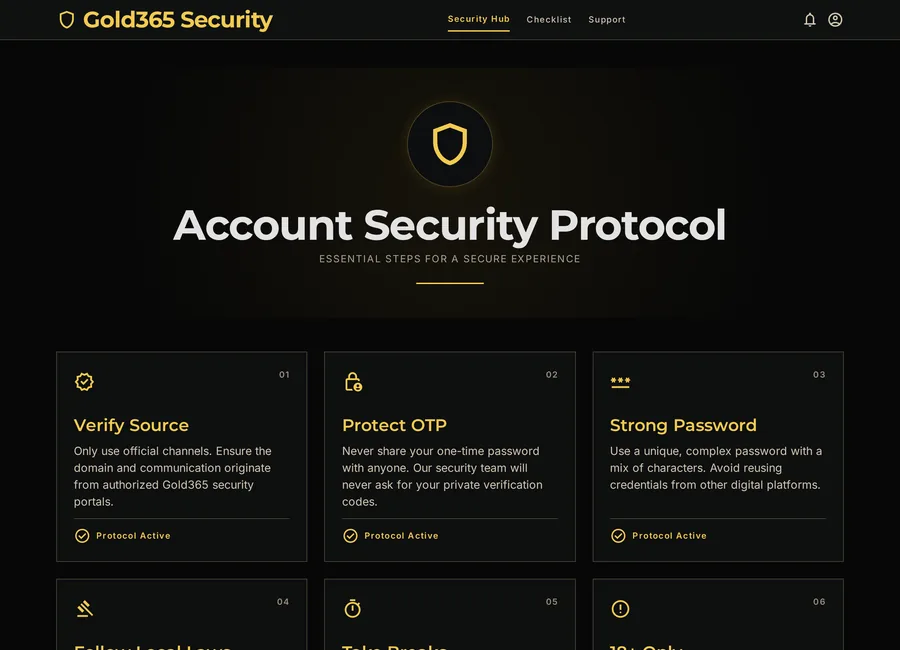
- Use a password that is long, unique and not reused from any other account.
- Treat every OTP as private — no person, agent or "verifier" ever needs it.
- Bookmark the correct website address after checking the spelling once.
- Sign in only on your own devices, never on cyber-cafe or borrowed phones.
- Keep your phone lock, browser and operating system updated.
- Avoid public Wi-Fi for logins; use mobile data if you are outside.
- Sign out fully when you finish a session on any shared device.
- Store credentials in a password manager, not in chat messages or gallery screenshots.
- Verify any support contact through a known channel before replying.
- Review your account details periodically and update your recovery number if it changes.
Password and OTP Rules That Actually Matter
Two rules prevent the majority of account takeovers: make your password impossible to guess, and never speak an OTP out loud or type it anywhere except the genuine login screen. Everything else in account security builds on these two habits.
Building a Strong Password
Aim for at least 12 characters mixing letters, numbers and symbols. Avoid your name, birth year or mobile number — these are the first guesses anyone tries. A password manager can generate and remember this for you, which removes the temptation to reuse an old password.
Handling OTPs Correctly
An OTP is a key, not a reference number. Genuine systems ask you to enter it on their own screen; they never need you to read it to a person. If anyone calls or messages asking for an OTP "to verify your account", end the conversation immediately — that request is the scam itself.
Spotting Fake Links and Fake Agents
Fraud attempts usually announce themselves through pressure and small errors. A genuine process is calm; a scam is urgent. Watch for these warning signs and stop the moment you see one:
- Messages that push you to act "in the next few minutes" or lose access.
- Website addresses with extra words, misspellings or unusual endings.
- Agents demanding advance fees for "guaranteed ID approval" or "VIP upgrades".
- Requests to install screen-sharing or "verification" apps on your phone.
- Chats that ask for card photos, bank passwords or document scans.
One-line test: if a message creates fear or urgency, treat it as fake until proven otherwise. Genuine support can always wait while you verify.
Device and Browser Hygiene
A secure account on an insecure phone is still at risk. Keep your device clean: install apps only from official stores, remove apps you no longer use, and never sideload APK files from forwarded links. The Gold365 mobile access guide explains why browser access is usually the safer route on phones.
In the browser, keep HTTPS warnings enabled and clear saved passwords from any device that is not yours. If you registered recently, cross-check that you followed the safe setup steps in the registration guide for new users.
What to Do if Something Looks Wrong
If you suspect a problem — an unknown login, a suspicious message or a shared OTP — act in this order rather than panicking:
- Change your password immediately from a device you trust.
- Stop responding to the suspicious chat or call; do not argue or explain.
- Contact verified support and describe exactly what happened, without sharing new sensitive details. The contact page explains how the support channel works.
- Watch your linked accounts — mobile number, email and bank — for unusual activity.
- Report serious fraud to your local cybercrime portal or police helpline.
A Simple Ongoing Safety Routine
Security is not a one-time task, so split these habits into a quick rhythm: a few seconds at every login, a short weekly glance and a monthly review. Small and regular beats big and forgotten.
Every Login
- Confirm you are on the bookmarked address before typing anything.
- Check for HTTPS and a normal-looking page layout.
- Sign out properly if the device is shared or the session is done.
Every Week
- Scan recent messages for anything suspicious you may have missed.
- Delete unknown forwards and links without opening them.
Every Month
- Update your phone, browser and apps.
- Review saved passwords and remove entries you no longer use.
- Re-read this checklist once — it takes two minutes and refreshes the habits.
Safety Includes Responsible Use
Account security is not only about passwords — it also means keeping the activity itself under control. Set time and spending limits before you start, take breaks, and never chase losses. The responsible-use checklist has practical limits and support resources for adult users.
18+ only. Online gaming and account-related services may be restricted in some regions. Always follow local laws and use online platforms responsibly. Account services are for users aged 18 and above only.
Gold365 ID Safety FAQs
What is the single most important Gold365 ID safety rule?
Never share your OTP or password with anyone, including people claiming to be support agents. Genuine support never needs these details, so any request for them is a warning sign.
How do I know if a Gold365 link is fake?
Check the address spelling carefully, look for HTTPS, and avoid links from forwards or ads. Fake links often use extra words, misspellings or urgency messages to rush you into clicking.
What should I do if I already shared my OTP with someone?
Change your password immediately from a trusted device, stop replying to that contact, inform verified support about the incident, and monitor your linked mobile, email and bank accounts closely.
Is it safe to save my password in the browser?
On your own locked, updated device it is reasonably safe, though a dedicated password manager is better. Never save passwords on shared, public or borrowed devices.
Unsure About an Account Safety Question?
Use the support option below for general guidance on Gold365 ID and account security topics. Never share OTPs or passwords in any chat, and follow all age and local legal requirements.
18+ only. Online gaming and account-related services may be restricted in some regions. Always follow local laws and use online platforms responsibly.