Gold365 ID: Your Online Cricket Betting Account
A Gold365 ID is the single login that opens the cricket exchange, other sports and the live casino on one balance. This page explains exactly what your ID unlocks, how to get one free over WhatsApp, how a demo ID works, and how to keep the account yours — in plain language, for adults 18+.
·Written and reviewed by the Gold365 editorial team
18+ only. Online gaming and account-related services may be restricted in some regions. Always follow local laws and use online platforms responsibly.

The Basics
What a Gold365 ID Actually Unlocks
A Gold365 ID is your personal betting account — a username and password that sign you in to the whole platform. It is not a separate product you buy; it is simply the key. Once you have it, that one login gives you the cricket exchange, other sports and the live casino, all drawing on a single wallet, so you are never topping up three different accounts.
On the cricket side, the ID lets you back or lay match-odds on the IPL, T20 internationals, Tests and ODIs, and get into the live session and fancy markets that move ball by ball. The same balance follows you into football, tennis and kabaddi, and into live-dealer casino games when there is no cricket on. In short, the ID is the difference between reading about Gold365 and actually placing a bet on it.
One principle sits under everything below: an ID is only worth having if you get it through the official channel, you are 18 or older, and online betting is legal where you live. If any of those is not true for you, the responsible choice is not to open one.
Step by Step
How to Get Your Gold365 ID
There is no long registration form. You get a Gold365 ID by having a short chat with our team on WhatsApp, and most people are set up in two or three minutes. Opening the ID is free — you only ever add money later, when you decide to, and on your own terms.
- Message us on WhatsApp. Tap the button on this page and say you would like a new Gold365 ID. That first message is all it takes.
- Give the basic details. Usually just a name and a working contact number so the account can be created. You never need to send an OTP, a password or a picture of a bank card to open an ID.
- Get your username and password. The team sets up the account and sends your login. Save it somewhere private — these two details are all you use to sign in.
- Log in and make it yours. Sign in on the official site and change the password to something only you know. Now you are ready to look around, or ask for a demo top-up to practise.
Two things protect you at this stage. First, only ever get your ID through the WhatsApp link on this genuine site — copycat pages "sell" IDs or hand out tampered ones. Second, because opening an ID is free, treat any demand to pay a person up front just to receive a login as a scam and walk away.
Get Your Gold365 ID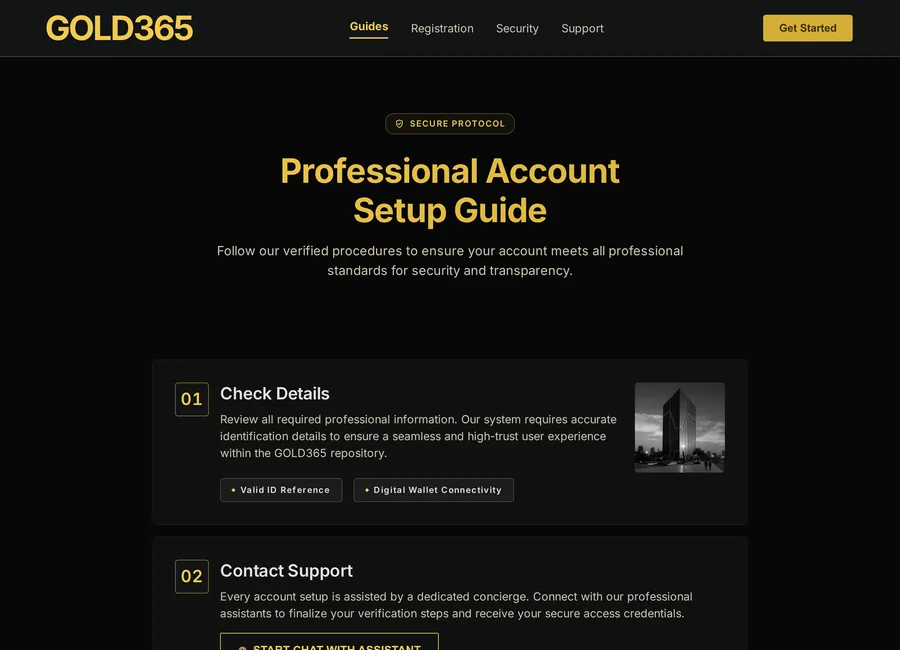
Try It First
The Demo Gold365 ID
If you have never used a betting exchange, the smartest first step is a demo ID rather than a real deposit. Ask our team for one on WhatsApp and you get a practice balance to explore with — no real money involved. It is the low-pressure way to understand how backing and laying feel before any of your own money is on the line.
Watch a Live Market
See how the odds on a real IPL or T20 game move over by over, so the numbers make sense before you stake anything real.
Practise Backing & Laying
Place practice bets both ways, try a cash-out, and get a feel for how a position changes as the game swings.
Learn the Layout
Find where the markets, your balance and the settings live, so your first real session is about cricket, not hunting for buttons.
A demo does not remove the risk of real betting — nothing does — but it does remove the excuse for going in blind. When you are comfortable, you can move to a funded ID whenever you choose.
Preparation
Before You Request an ID: A Quick Checklist
Run through this once before you message us. It takes a minute and heads off the problems people most often regret — the wrong source, oversharing, or rushing a decision. Be honest with each line.
- I am 18 or older, and online betting is legal where I live.
- I am contacting Gold365 through the WhatsApp link on this genuine site, not a forwarded one.
- I have a private contact number ready, and I will not share any OTP or password.
- I understand no one can guarantee a win, and I have set a budget I can afford to lose.
- I know opening the ID is free, so no upfront personal payment should be demanded.
Ready for the fuller walkthrough of setting up, including common mistakes and what verification may involve? The Gold365 register guide takes it step by step.
Keep It Yours
Securing Your Gold365 ID
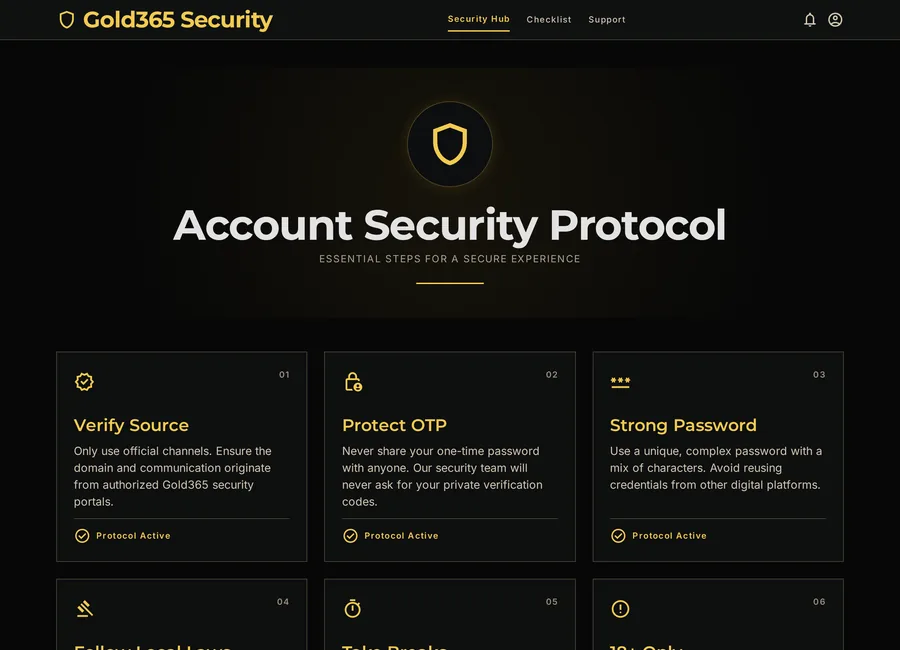
Getting the ID safely is half the job; keeping it yours is the ongoing half. None of this is complicated — they are small habits that, together, keep other people out of your account and your balance where it belongs.
Own Your Password
Change the password you were first given to something unique, and never reuse a password from another site. Refresh it if you ever suspect someone saw it.
Mind Your Devices
Log out on shared or family phones, and never let a borrowed device remember your login. Your ID is as safe as the phone it sits on.
Never Share Codes
No genuine agent needs your password or an OTP. Anyone who asks is trying to take the account, not help you — end the chat.
If you ever lose access, do not hand your details to a random "recovery" link. Message the same WhatsApp number that created your ID and the team will help you get back in safely. For a routine you can repeat each month, see the Gold365 ID safety checklist.
Don't Mix Them Up
ID, Register and Login — the Difference
Three words trip up almost every new user, and scammers rely on that confusion to slip in fake steps and fake fees. The distinction is genuinely simple once you see it laid out.
| Term | What It Is | How Often |
|---|---|---|
| Register | Creating or requesting the account for the first time. | Once |
| Gold365 ID | The account identity you receive and hold after registering. | One per account |
| Login | Signing in with that ID whenever you come back. | Every visit |
Read across: you register once, you hold one ID, and you log in as often as you play. So if a message tells you to "register again" to keep your ID active, or to pay a fee before you can simply log in to an account you already have, that does not match how any of this works — treat it as a warning sign. When you are ready, the login guide covers everyday sign-in and recovery.
Please Read
Responsible Use and the Legal Note
A Gold365 ID is for adults aged 18 and over, and it exists to place real bets with real money. Betting on cricket is entertainment that carries genuine risk — every bet can lose, and no ID, tier or tip changes that. Decide your limit before you deposit, not in the middle of a close finish.
Availability also depends on where you are. Online betting rules differ across India, so confirm it is legal for you before you request an ID, and never try to work around a restriction that applies to you — we will never encourage that. If betting ever stops feeling like a controlled choice, or starts affecting your money, work or relationships, step back and talk to someone you trust.
Our responsible-use page gathers practical limits, warning signs and support resources in one place. It is worth reading once, fully, before you open any account.
18+ only. Online gaming and account-related services may be restricted in some regions. Always follow local laws and use online platforms responsibly.
Gold365 ID FAQs
What is a Gold365 ID?
A Gold365 ID is your personal betting account — a username and password that sign you in to the whole platform. One ID opens the cricket exchange, other sports like football and tennis, and the live casino, all on a single wallet. It is free to open and is strictly for adults aged 18 and over.
How do I get a Gold365 ID?
Tap the WhatsApp button on this site and ask for a new Gold365 ID. Share the basic details the team requests, usually a name and contact number, and they will send you a username and password within a few minutes. Only ever get your ID through the official WhatsApp link here, and never pay an individual up front to receive a login.
Is a Gold365 ID free to open?
Yes, opening the ID itself is free. You only add money later, when you choose to, through your own account. Be cautious of anyone demanding an upfront personal fee to "guarantee", "unlock" or "activate" an ID — that is a common scam, not a real cost.
Can I try Gold365 before depositing real money?
Yes. Ask on WhatsApp for a free demo Gold365 ID. It gives you a practice balance so you can watch a live cricket market, place practice bets, and get comfortable with backing, laying and cash-out before any real money is involved. It is the best way for a beginner to learn how an exchange works.
What can I do once I have a Gold365 ID?
You can back or lay cricket match-odds on the IPL, T20 internationals, Tests and ODIs, use the live session and fancy markets, and also bet on football, tennis and kabaddi or play the live casino — all from one balance. Remember every market carries real risk, and no outcome is guaranteed.
What details do I need to share to get an ID?
At the enquiry stage a name and a contact number are usually enough. Some verification may apply under platform rules. You should never share your OTP, your password, banking screenshots or private documents in a chat — genuine setup does not require any of those.
Is a Gold365 ID the same as logging in?
No. Your ID is the account identity you hold; login is the everyday act of signing in with it. You register once, receive one ID, and log in many times. Any request to "register again" to keep an existing ID active, or to pay before you can log in, is a warning sign rather than a real step.
How do I keep my Gold365 ID secure?
Change the first password to something unique, never reuse it elsewhere, and never share it or an OTP with anyone. Log out on shared devices, protect the phone number linked to your account, and if you lose access, recover it only through the WhatsApp number that created your ID rather than a random link.
Can anyone guarantee I will win with a Gold365 ID?
No. An ID only gives you access to the markets; it cannot make you win. No exchange, agent or VIP plan can guarantee an outcome, and cricket results are genuinely uncertain. Treat betting as entertainment with a fixed budget, and only stake what you can comfortably afford to lose.
What should I do if an ID offer feels suspicious?
Stop, share nothing further, and verify the channel through this official site. Keep screenshots for your records. Genuine support never asks for OTPs or passwords, never guarantees approval, and never rushes you with a countdown — pressure tactics are a clear signal to walk away.
Ready for Your Gold365 ID?
Message our team on WhatsApp for a new ID or a free demo to practise first. Keep your OTP and password private, set a budget before you deposit, and follow the 18+ and local legal rules that apply to you.
18+ only. Online gaming and account-related services may be restricted in some regions. Always follow local laws and use online platforms responsibly.