Gold365 Deposit Guide: How Deposits Work and How to Stay Safe
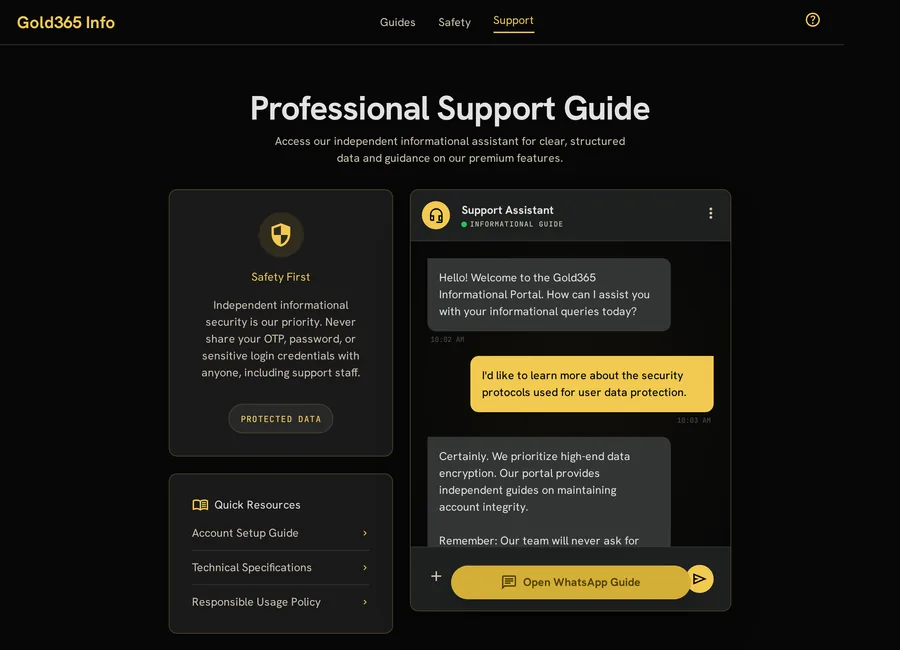
Adding money to an account is the step where people are most nervous and, understandably, most careful. This Gold365 deposit guide explains how a deposit generally works, what to check before you send anything, which details you must never share, and what to do if a payment does not appear straight away — all in plain language for adult users.
Where the registration guide for new users covers setting up your account and the login guide covers signing in, this article picks up at the moment you want to fund that account. It is official Gold365 content, written for adult (18+) users. Read it calmly and in order, because the single most common cause of deposit trouble is rushing a step that only needed a few extra seconds of attention.
How a Gold365 Deposit Generally Works
Every platform differs in detail, but the overall shape of a deposit is consistent. Knowing the sequence in advance means nothing on screen surprises you, and it makes it far easier to spot a step that does not belong.
- Sign in on your own bookmarked address. Confirm you are on the genuine page before you touch anything to do with money.
- Open the deposit or add-funds section. This is inside your logged-in account, never through a link someone sends you in a chat.
- Choose a payment method. Pick from the options your account actually offers, rather than one a stranger recommends.
- Enter the amount you have decided in advance. Set your limit before you open the page, not in the heat of the moment.
- Complete the payment on the provider's secure screen. Approve it through your own bank or payment app, where you control the confirmation.
- Wait for the on-screen and in-account confirmation. Keep the reference number until the balance updates.
If any step asks you to send money to a personal account, pay an "agent" directly, or share a code to "activate" a deposit, stop. A genuine deposit flow keeps you inside your own account and your own bank or payment app the whole way through.
Before You Deposit: A Quick Checklist
Run through these points every time, not just the first time. They take under a minute and prevent the large majority of avoidable problems.
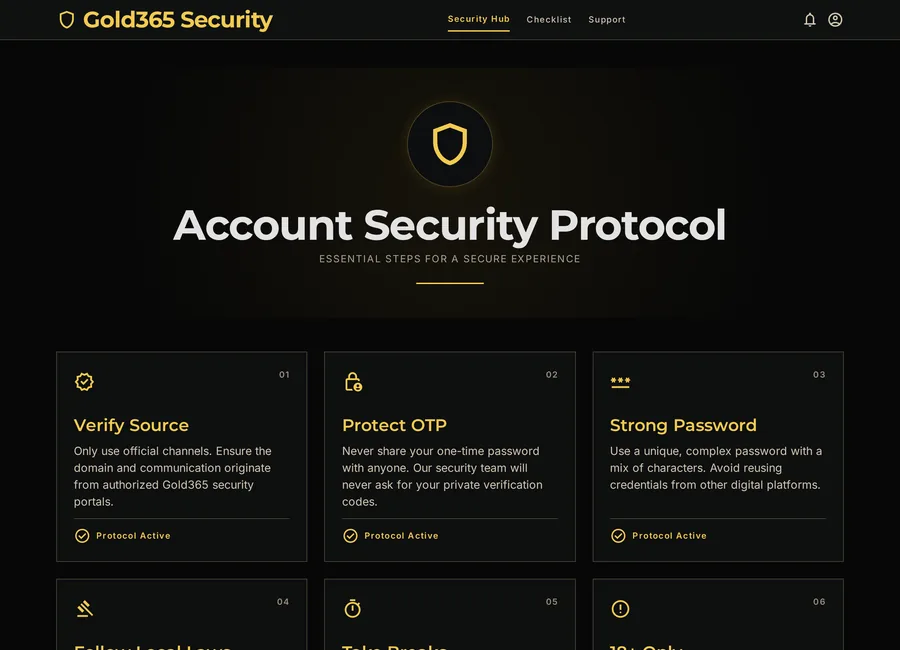
- Confirm you are on your saved bookmark, with HTTPS showing.
- Decide the amount before you begin, and treat it as a firm limit.
- Use only a payment method registered in your own name.
- Make sure your account details and mobile number are up to date.
- Keep your screen private, away from onlookers or screen-sharing apps.
If anything on the page looks different from usual — a new payee name, an unexpected fee, a request to install something — pause and verify through a channel you already trust before continuing. The ID safety checklist explains how to recognise these warning signs.
Common Deposit Methods and What to Check
The methods available depend on your account, your region and current platform rules, so treat the table below as general guidance rather than a fixed list. Whatever you use, the safety principle is the same: you stay in control of the confirmation.
| Method Type | What to Check | Good Habit |
|---|---|---|
| UPI or bank apps | The payee shown matches the official flow | Approve inside your own bank app |
| Cards | The secure payment page and your bank's verification step | Never share the OTP or CVV with a person |
| Net banking | You are redirected to your real bank login | Type your bank address yourself if unsure |
| Wallets | The wallet is linked to your own verified identity | Keep the wallet app updated and locked |
Availability, processing times and any charges are set by the platform and the payment provider, not by this guide, and they can change. Always confirm the current details on the genuine deposit screen before you commit.
Deposit Safety: Protecting Your Money and Your Details
Most deposit fraud does not involve breaking anything technical. It works by persuading you to move money or share a code yourself. These rules close those gaps.
- Never transfer a deposit to a personal UPI, phone number or account given by an "agent".
- Never share your card OTP, CVV, PIN or banking password — no genuine deposit needs them read aloud.
- Ignore offers of a "bonus deposit" that require an advance fee to unlock; that request is the scam.
- Do not install screen-sharing or "helper" apps to complete a payment.
- Distrust urgency — a real deposit can always wait while you verify.
One-line test: if a deposit ever leaves your own bank or payment app and asks you to pay a person directly, it is not a genuine deposit. Stop and verify.
When a Deposit Does Not Show Up
Occasionally a payment leaves your account but the balance has not updated yet. This is usually a timing issue rather than lost money, so act methodically instead of paying again.
- Wait a short while and refresh. Payment networks sometimes take a few minutes to confirm.
- Check your bank or payment app. See whether the amount is debited, pending or was declined.
- Keep the reference number. This is what verified support will ask for to trace the payment.
- Do not repeat the deposit blindly. A second attempt before the first clears can leave you paying twice.
- Contact verified support with the details. The contact page explains how the support channel works and what to include.
Give an honest, factual description — the amount, the time, the method and the reference — and never share your OTP, PIN or password while doing so. Genuine support can trace a deposit without any of those.
Depositing Responsibly: Set Limits Before You Start
A deposit is only sensible if it fits comfortably within money you can afford to set aside. Decide your limit calmly, in advance, and treat it as fixed — do not increase it to chase a loss or because a moment feels exciting.
- Set a clear budget before you open the deposit page, and stop there.
- Never deposit borrowed money or funds meant for essentials.
- Take breaks, and avoid depositing again immediately after a loss.
- Use any deposit or time limit tools the platform offers.
These habits protect you far more than any tip about payment methods. For practical limits, warning signs and support resources, read the responsible-use checklist. If funding an account ever feels difficult to control, that is a signal to pause and seek help.
18+ only. Online gaming and account-related services may be restricted in some regions. Always follow local laws and use online platforms responsibly. Deposits and account services are for users aged 18 and above only.
Gold365 Deposit FAQs
How do I make a deposit on Gold365?
Sign in on your own saved bookmark, open the deposit or add-funds section inside your logged-in account, choose a payment method your account offers, enter the amount you decided in advance, and complete the payment on the provider's secure screen. Wait for the on-screen and in-account confirmation, and keep the reference number until your balance updates.
Which deposit methods are available?
The methods depend on your account, your region and current platform rules, so treat any list as general guidance. Options commonly include UPI or bank apps, cards, net banking and wallets. Always confirm the current methods, processing times and any charges on the genuine deposit screen, because these are set by the platform and payment provider and can change.
Is it safe to deposit money into an online account?
It is reasonably safe when you stay in control of the payment: sign in on your own bookmark, complete the payment inside your own bank or payment app, and never share your OTP, CVV, PIN or password with anyone. It becomes unsafe the moment you are asked to send money to a personal account or pay an agent directly, which is a common scam pattern.
Should I ever pay a deposit to an agent or personal number?
No. A genuine deposit keeps you inside your own account and your own bank or payment app the whole way through. Any request to transfer money to a personal UPI, phone number or account, or to pay an "agent" directly, is a warning sign that you should stop and verify through a channel you already trust.
My deposit was debited but not credited. What should I do?
Usually this is a timing delay rather than lost money. Wait a short while and refresh, check whether your bank shows the amount as debited, pending or declined, and keep the reference number. Do not repeat the deposit blindly, as that can leave you paying twice. Then contact verified support with the amount, time, method and reference, without sharing any OTP, PIN or password.
Are deposit bonuses guaranteed?
No. Any bonus depends entirely on the platform's current terms and conditions, which can change, and no bonus, benefit or return is ever guaranteed. Be especially cautious of anyone offering a "bonus deposit" that requires an advance fee to unlock — that request is itself a scam. Always read the genuine terms before assuming any offer applies.
How much should I deposit?
Only an amount you can comfortably afford to set aside, decided calmly before you open the deposit page and treated as a firm limit. Never deposit borrowed money or funds meant for essentials, and never increase your limit to chase a loss. If controlling deposits feels difficult, pause and read the responsible-use page for limits and support resources.
Can support see my deposit if something goes wrong?
Yes. Verified support can trace a payment using the reference number, the amount, the time and the method — none of which require your OTP, PIN or password. Start the conversation yourself through a verified channel, describe what happened factually, and never share sensitive security details, because genuine support never needs them.
Have a Question About Making a Deposit?
Use the support option below for general guidance on Gold365 deposits and account funding. Never share your OTP, PIN, card details or password in any chat, and follow all age, platform and local legal requirements.
18+ only. Online gaming and account-related services may be restricted in some regions. Always follow local laws and use online platforms responsibly.